>You do want the application to steal focus when necessary
No I don't. We recently switched to Zoom at work. Meeting notifications steal my focus (Windows 11 device) and it's fucking terrible. Nothing should ever steal focus.
Having owned a good number of Macs and one hackintosh in the past, that would be very bizarre assumption to overlook. App icons bouncing while something loaded was never a rare thing.
IMO, nothing should ever steal my keyboard focus. As soon as I've typed a single character, whatever happened before, too late for you.
I use KDE on Bazzite. It has a couple killer UI features over Windows. It can label bluetooth devices (so I can have blue dualsense controller, pink dualsense controller, white dualsense controller, etc.). No clue why this doesn't work in Windows lol. Also the super/win + arrow keys are more predictable, super pgdn is minimize and super pgup is maximize, so I never find myself accidentally minimizing windows when trying to move them to a corner. My wife was able to easily install and play the Sims with all her mods as well. I also use Bazzite specifically because it's atomic - so when I make the mistake of giving into temptation and updating shit once every month or so, if it's broken I can just revert it.
But I will say I've had a ton of failure to wake up from power saving issues (resolved by just disabling pretty much every power saving feature, which I was gonna eventually do anyway because I want to be able to remote into the machine), and VLC can cause the UI to lock up because of some XWayland nonsense that they're still trying to fix (I just use Haruna, KDE's default mpv-based player, and it's mostly fine). It's a little silly and was quite frustrating that Linux is still dealing with this shit. A more minor (but still irritating) issue is that each taskbar has its own set of pinned applications (instead of just being identical like in Win10/Win11), so if I change the order on one I need to manually go change it on the others.
Overall, I like it because it's good for development and creating other stuff, the filesystem is fast as fuck (way better than WSL) it's obviously less actively antagonistic than Windows 11, Photoshop has gotten worse so I've switched to Krita which works great in KDE, and I've not been surprised negatively by anything after dealing with the previous paragraph's issues, but a non-technical user might struggle to deal with maintaining it.
I will say I have two DualUp monitors and they are my favorite monitors I ever had so I'm sad I can no longer recommend them. 2560x2880 is perfect for programming, researching, writing documents, graphics work, and so on.
The INNOCN knockoff is the INNOCN 28C1Q. Likely the same panel.
My LG DualUp monitors (with no internet access) recently triggered some LG Adware Bullshit to install on my Windows laptop. So I'd say stop using LG anything (or Windows anything since they're voluntarily in on the scam too lol). If you want the 2560x2880, maybe buy the knock-off INNOCN vertical monitors.
Most of the time, I want neither. No I don't want the ticketmaster app (or DICE). I may need to visit a website to buy a ticket, but after that just email me a QR code or something. Even worse, I found myself at Royale in Boston and they wanted me to install yet another app to check my coat. I hid my coat under a chair instead and have not returned to the venue since then.
The example from the article:
> This summer, the kids’ performing arts school are singing and dancing in a show at Disneyland. We’re all very excited, but my excitement, at least, was muted a little when I was told to install the “Travelbound” app in order to get access to the itinerary, travel arrangements, and accommodation details.
I don't need an app for this or website for this. Just email me the information and let me put it in my calendar and then leave me alone.
I lack the skills, time, and nerve to try it with my own phone lol (and wouldn't want a keyboard). As much as I miss the Palm Phone, this is an acceptable compromise.
On the topic of the thread, I am left-handed. When I tried to resize the keyboard while it was closed, it constantly glitched out. Could not figure out what was going on until I rotated it 180° and tried it with my right hand. Resizing worked perfectly lol. Something about coordinates I imagine. I hear left-handed phone users used to have their horizontal photos come out upside down until someone figured it out.
I agree that phones are too big. I refuse to switch to two-handed phone use. I used the Palm Phone PVG 100 with a 3.3" screen as long as I could, but software got too slow and battery-hungry, and my now-wife was annoyed when my phone would die halfway through our text based conversations lol. Used a chunky 3.5"er (Soyes S10Max) for awhile but it died after a year.
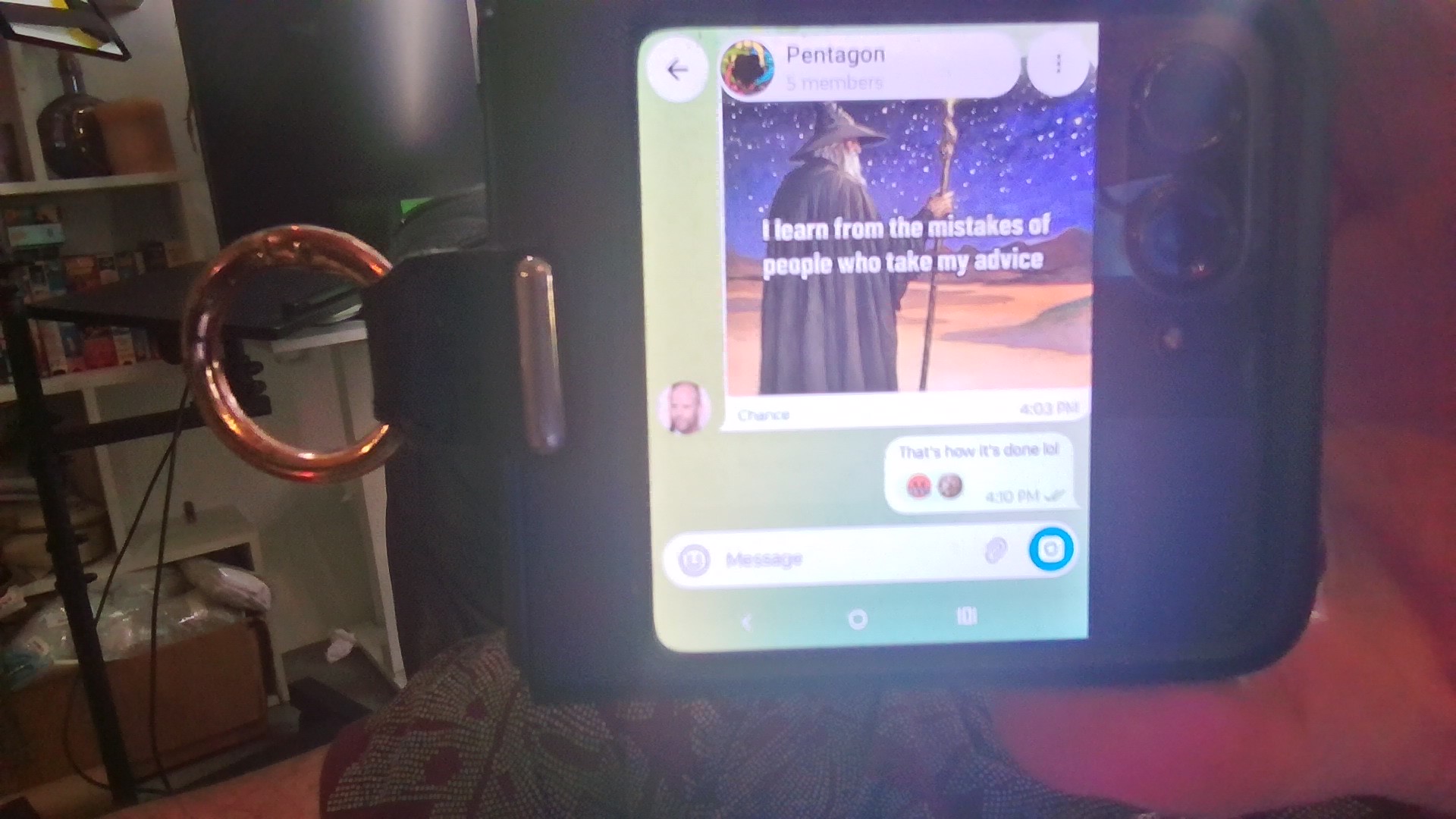
Now I use the Motorola Razr 2025. 90% of the time I just keep it closed. The outer screen is 3.6" and a square, but the screen doesn't extend all the way out if you keep the hinge on the side. It's kinda heavy at 6.6oz (compared to the Palm Phone's 2.2oz), but with a ring, it's super easy to use one-handed. And it has battery life and compute power to handle today's unnecessarily compute-heavy apps. You can also split apps in half when it's open so you can just use them on the bottom half of the phone.
Main disadvantage is that when it's closed, you only have a "selfie" camera as the back camera is facing you and the front camera is inside. So it's hard to quickly take pictures of things I see outside (usually funny birds). Other annoyance is that if you open the phone, use it, and then close it, the outer keyboard resets to the default keyboard and you need to "change the keyboard layout" to get it to use your preferred keyboard (Microsoft Swiftkey in my case)
As someone who recently switched from Rackspace to Hetzner for my dedicated VPS (albeit before the recent price jump), I am still quite happy with my decision. Apparently they are not raising their prices for existing customers, but even so, their prices are consistent and very clearly laid out, they don't change month-to-month, and their website is incredibly easy to use (both when choosing options, and when doing server management), which is more than I can say for Rackspace lol (or Linode now that they're owned by Akamai)
I use KDE at home after leaving OS X when it became clear Apple became more interested in mobile OSes than desktop OSes, and using various combos of Linux and Windows for a bit. Gotta agree. Powerful, customizatable, and predictable at the same time.
>On the flip side, many websites ask if I want to allow notifications
One of the first things I disable on any new Firefox setup. I want zero notifications from websites (or in general, one of the objective improvements of Windows 10 over Windows 7 is that you can just disable notifications entirely, while disabling balloon alerts in Windows 7 was a huge battle that never fully worked)
I use Android. Lyft put marketing notifications in the default notification channel on my device. If the Play Store were useful, they'd have banned Lyft until they fixed it. (haven't gotten one in a bit so maybe they did (or maybe I set something so that the app could only message me while it's active))
>Now, I suppose we could argue that Google could be more ham-fisted about forcing apps to use them, but that's murky.
I disagree. What the is the point of forcing everyone to use the Google Play Store (or whatever app store on iOS) if the store doesn't stop spammers?
People complain about Uber, but Lyft does the same shit. I got a promotional notification from Lyft and could not disable it without disabling the main notifications that tell me when drivers were arriving.
If app stores were useful instead of just rent-seeking, they would kick Lyft off until they stopped doing that.
I guess I already know roughly how much space they're taking up since I just check how much space I'm using in my dropbox directory on one of my computers. From my perspective, Dropbox basically has no User Interface, but a fantastic User Experience.
>On the other hand, I can't think of a single new feature they've introduced since 2011 that matters.
Honestly that's what I love about it. I work on something on my desktop. Then when I go to my laptop, everything is there too. It's great. When I get another computer I can just enable Dropbox, walk away, and all my projects, notes, pictures, etc. will be there. I pay them some amount of money per month and it just works and I very rarely need to visit the website or even click on the icon in my toolbar.
Sometimes I read notes on my phone and it's kind of annoying that I can't search through text using their app, but I generally consider that to be a problem with Android rather than Dropbox.