    template mysum{a = @[]}(a: seq[int]): int = 0
    template mysum{a}(a: seq[int]): int =
      while a.low <= a.high:
        a[a.low] + mysum(a[a.low + 1 .. a.high])

    var x: seq[int] = @[1, 2, 3]

echo mysum(x) import uri, strutils
proc shortestURL(urls: seq[TUrl]): TUrl =
if urls.len < 1:
return TUrl(nil)
if urls.len < 2:
return urls[0]
var
url = urls[0]
length = len($url)
for i in 1 .. <urls.len:
let test = urls[i]
if len($test) < length:
url = test
length = len($test)
return url
proc testShortestURL() =
echo "shorty is ", shortestURL(@[
TUrl("http://www.google.es"),
TUrl("http://google.es")])
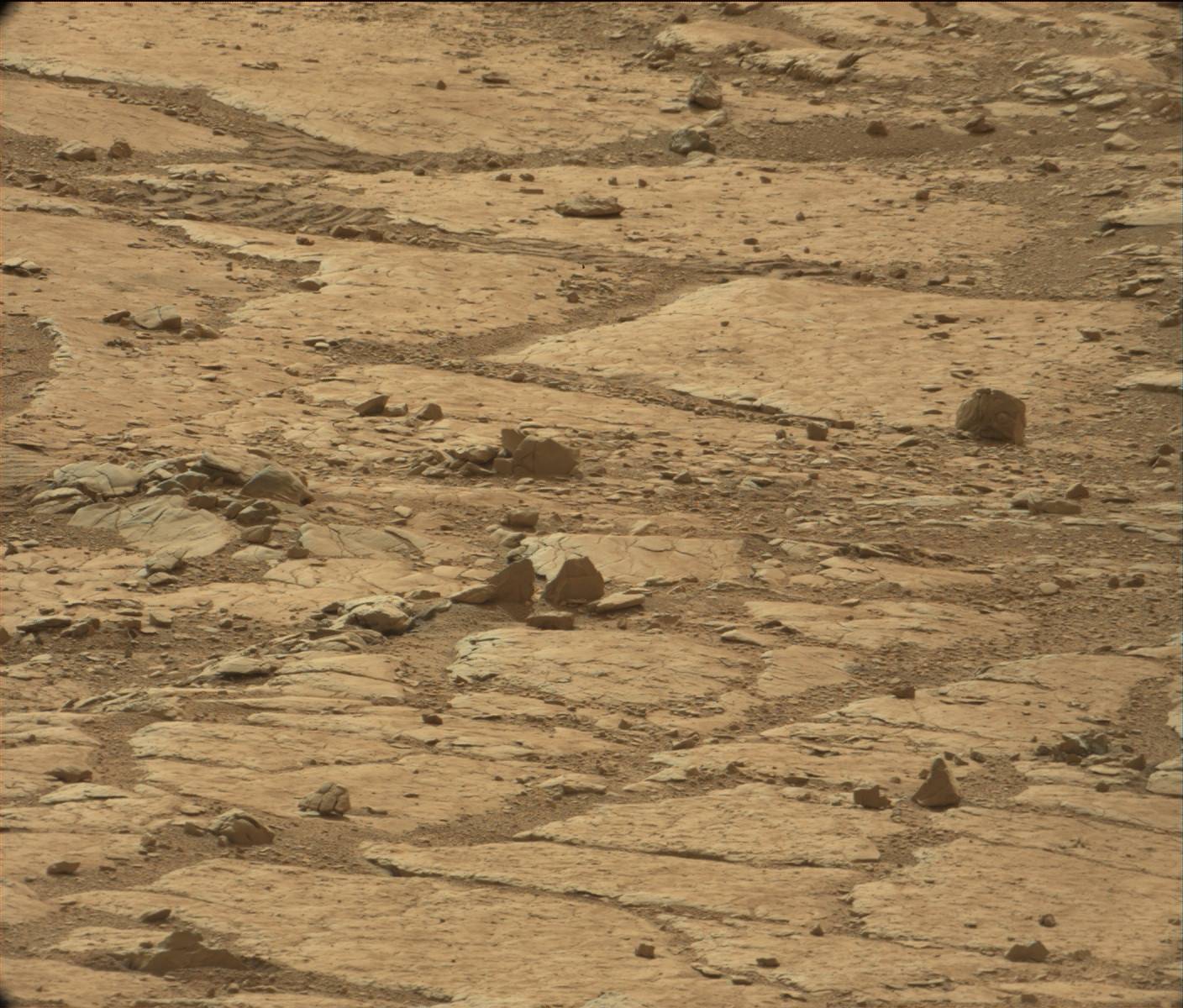
- Install Gimp
- Download the original Nasa image linked here: http://mars.jpl.nasa.gov/msl-raw-images/msss/00184/mcam/0184...
- Open the picture with Gimp. Crop out the face. Under the image tab, choose scale image. Scale the image to 300 percent of original size. There is an interpolation option when scaling the image. You have to choose Sinc Lancoz 3 because that is the interpolation option that will preserve the data in the jpeg pixels. If you choose cubic or linear it will be lost.
- Under the colors tab, open curves. NASA obscured this image by destroying it's dynamic content, so you will need to expand what is there by pulling the line to perfectly match the top and bottom of the image data. This will render the jpeg blocks and show you the image data they contain.
- Under the filters tab, mouse over enhance and choose the last option "Unsharp mask". Apply unsharp mask twice with the default settings. The picture will become clear enough to show.